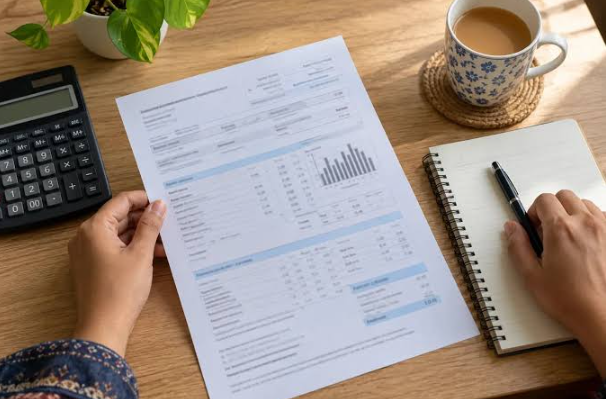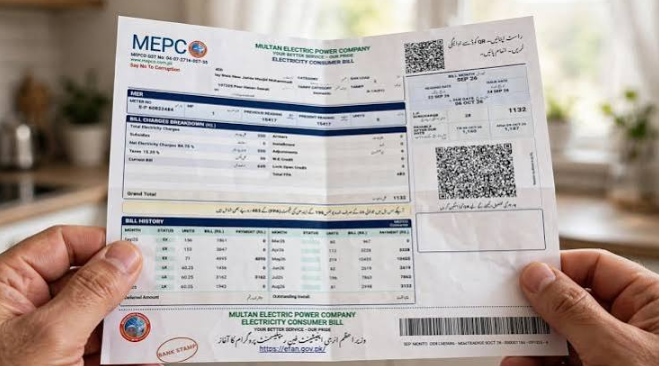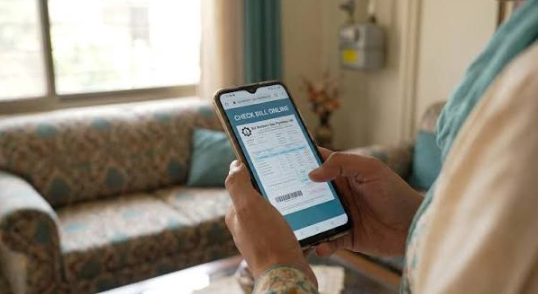

Gas is an essential utility for millions of households and businesses across Pakistan. People use natural gas for cooking, heating water, and other daily activities. Every month, consumers receive a gas bill showing their consumption, charges, taxes, and payment deadline. However, sometimes printed bills are delayed, misplaced, or not delivered on time. In such situations, checking your Sui Gas Bill online is a convenient solution.
Consumers in Pakistan can access their gas bills through the online services provided by Sui Northern Gas Pipelines Limited (SNGPL) and Sui Southern Gas Company (SSGC). These services allow customers to check their latest bills, download duplicate copies, and review payment information from their mobile phones or computers.
In this guide, you will learn how to check your Sui Gas Bill online, download a duplicate bill, understand gas charges, and pay your monthly bill through convenient payment methods.
What Is Sui Gas?
Sui Gas is a commonly used term for natural gas supplied to households, commercial businesses, and industrial consumers in Pakistan.
Two major companies are responsible for natural gas distribution in different regions of the country:
- Sui Northern Gas Pipelines Limited (SNGPL): Provides gas distribution services across Punjab, Khyber Pakhtunkhwa, Islamabad, and other designated areas.
- Sui Southern Gas Company (SSGC): Supplies natural gas to customers in Sindh and Balochistan.
Both companies provide online services that help consumers access their gas billing information without visiting customer service offices.
How to Check Sui Gas Bill Online?
Checking your SNGPL Bill online is a simple process. You need your consumer number or account identification details, which are printed on your previous gas bill.
First, identify your gas provider, SNGPL or SSGC, and then follow the relevant instructions.
See also: MEPCO Bill Online Check – Check and Download Duplicate MEPCO Bill
Check SNGPL Gas Bill Online
If you are an SNGPL customer, follow these steps:
- Visit the official SNGPL website at https://www.sngpl.com.pk/.
- Find the online bill or consumer services section.
- Select the duplicate bill option.
- Enter your consumer number or required account details.
- Submit the information.
- View your latest available gas bill.
- Download or print the bill for your records.
Check SSGC Gas Bill Online
SSGC consumers can check their gas bills through the official company website.
Follow these steps:
- Open https://www.ssgc.com.pk/.
- Navigate to the customer services or billing section.
- Select the available duplicate bill facility.
- Enter your customer or account number.
- Submit the required details.
- View your available gas bill.
- Save or print the duplicate copy.
Always use the official website of your gas provider to access accurate billing information.
How to Download a Duplicate Sui Gas Bill?
Sometimes customers do not receive their printed gas bills because of delivery delays, address changes, or other reasons. Missing a printed bill can create difficulties when the payment deadline is approaching.
Fortunately, SNGPL and SSGC provide online billing facilities for eligible consumers.
To download your duplicate gas bill:
- Visit your gas provider’s official website.
- Open the online billing or duplicate bill section.
- Enter your consumer or account number.
- Submit the required information.
- Open your latest available gas bill.
- Select the print option.
- Save the document as a PDF.
You can keep the downloaded bill on your smartphone or computer and print it whenever necessary.
Information Available on Your Sui Gas Bill
Understanding your gas bill is important because it helps you monitor monthly consumption and identify additional charges.
Here are some important details included in a typical Sui Gas Bill:
1. Consumer Number: A unique identification number associated with your gas connection. It is commonly required to access your bill online.
2. Customer Information: Includes the consumer’s name, address, and account details.
3. Meter Reading: Displays the previous and current gas meter readings.
4. Gas Consumption: Shows the amount of gas consumed during the billing period.
5. Meter Rent: Applicable meter rental charges, where relevant.
6. Gas Charges: The amount calculated according to your applicable consumer category, tariff, and gas consumption.
7. General Sales Tax (GST): Applicable tax charged according to government regulations.
8. Other Charges: Your bill may include additional authorized charges, adjustments, or outstanding balances.
9. Due Date: The final date for paying your gas bill without the applicable late payment surcharge.
10. Total Payable Amount: The total amount you are required to pay according to your bill.
Reviewing these details every month can help you understand your gas expenses and identify unexpected changes.
How to Pay Sui Gas Bill Online?
Paying your Sui Gas Bill online is convenient because you do not need to visit a bank branch or payment center.
Customers can use different digital payment options, depending on the services supported by their bank or payment provider.
1. JazzCash
You may pay your gas bill through JazzCash if the relevant bill payment service is available.
Open the application, select utility bill payments, choose SNGPL or SSGC, enter your consumer information, verify the payable amount, and complete the transaction.
2. Easypaisa
Easypaisa also provides utility bill payment services for supported gas providers.
Select the gas bill payment option, enter your consumer number, verify the displayed information, and confirm your payment.
3. Mobile Banking
Many Pakistani banks offer gas bill payment facilities through mobile banking applications.
Log in to your banking app, select utility payments, choose the correct gas company, and follow the payment instructions.
4. Internet Banking
You can also use your bank’s internet banking service to pay your monthly gas bill.
5. ATM and Bank Branches
Consumers can pay their bills through participating ATMs and authorized bank branches.
Always save your transaction receipt or payment confirmation for future reference.
Why Is My Sui Gas Bill So High?
Many consumers notice an increase in their gas bills during winter. This can happen because of increased heating and hot water usage.
Other common reasons include:
- Higher monthly gas consumption.
- Changes in applicable gas tariffs.
- Government taxes and adjustments.
- Increased use of gas heaters.
- Incorrect meter readings.
- Previous outstanding balances.
- Applicable minimum charges or other authorized fees.
If your gas bill seems unusually high, compare your current meter reading with your previous bill. You should also check your actual meter reading and review the charges carefully.
If you notice an error, contact your gas provider and request a billing investigation.
Tips to Reduce Your Monthly Sui Gas Bill
Managing gas consumption can help households reduce monthly utility expenses.
Here are some useful tips:
- Turn off gas appliances when they are not in use.
- Avoid leaving gas heaters running unnecessarily.
- Use suitable cookware and cover pots while cooking.
- Check gas appliances regularly for maintenance issues.
- Avoid wasting hot water.
- Ensure burners are clean and functioning properly.
- Check your gas meter regularly.
- Contact your gas provider if you suspect a gas leak.
Never attempt to repair a gas leak yourself. If you smell gas, turn off the supply if it is safe, avoid flames and electrical switches, leave the affected area, and contact the gas emergency service.
SNGPL and SSGC Customer Support
If you experience billing problems, gas supply interruptions, meter reading issues, or other service difficulties, contact your relevant gas provider.
- SNGPL official website: https://www.sngpl.com.pk/
- SSGC official website: https://www.ssgc.com.pk/
Both companies provide customer support services and information about billing complaints, new connections, and other gas-related matters.
Always use official communication channels when sharing your consumer or account information.
Frequently Asked Questions (FAQs)
1. How can I check my Sui Gas Bill online?
Visit the official SNGPL or SSGC website, depending on your gas provider. Enter your consumer number or required account information to view your available bill.
2. Can I download my duplicate Sui Gas Bill?
Yes. Both SNGPL and SSGC provide online billing services that allow eligible consumers to access and print duplicate bills.
3. How can I check my SNGPL gas bill?
Visit https://www.sngpl.com.pk/, open the billing section, and enter the required consumer information.
4. How can I check my SSGC gas bill?
Visit https://www.ssgc.com.pk/ and use the available online bill-checking facility.
5. Can I pay my Sui Gas Bill through JazzCash?
Yes, if the relevant SNGPL or SSGC payment service is available in JazzCash. Verify your bill details before completing the payment.
6. What information is required to check a gas bill online?
You generally need your consumer number or account identification details printed on your previous gas bill.
7. Why is my Sui Gas Bill not showing online?
Check your consumer number and make sure you are using the correct gas provider’s website. If the problem continues, contact customer support.
Conclusion
Checking your Sui Gas Bill online is an easy and convenient way to manage monthly gas expenses in Pakistan. Whether you are an SNGPL or SSGC customer, online billing services allow you to view available bills, download duplicate copies, understand gas charges, and access payment information.
Instead of worrying about missing printed bills, you can use your smartphone or computer to stay updated on your monthly gas payments.
Always check your bill before the due date, monitor your gas consumption, and use official websites for accurate billing information. These simple steps can help you manage your household expenses and avoid unnecessary payment delays.